
SSH tunneling
Toggle Use SSH in the connection form to open the SSH section.
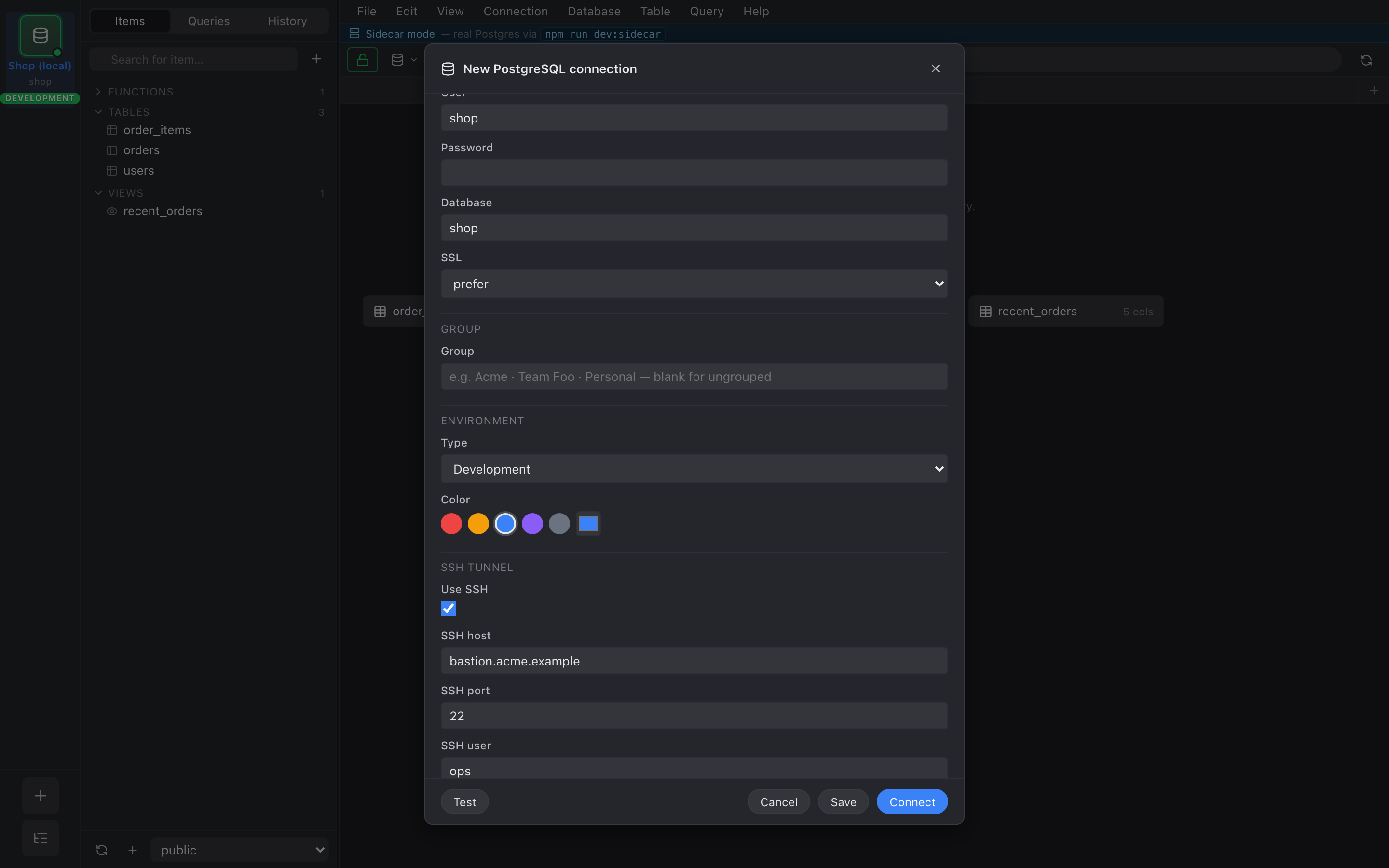
- Password — straightforward; stored in the keychain.
- Key file — point at a
.pem/.id_rsa. Passphrase-protected keys prompt on connect; passphrase stored in the keychain. - Agent — uses
SSH_AUTH_SOCKon Unix or Pageant on Windows. Best option when you already have keys loaded.
Host key verification
Section titled “Host key verification”First connect to an unknown host shows a TOFU prompt with the
fingerprint and algorithm. Trust this host writes it to
~/.ssh/known_hosts. Subsequent connects verify silently; a key
mismatch shows a red warning and refuses to connect.
Strict host key checking is a per-connection toggle in the SSH section.
How it works
Section titled “How it works”When you connect, we:
- Open the SSH connection.
- Bind
127.0.0.1:0(random port) locally and start adirect-tcpipforwarder todb_host:db_port. - Tell the Postgres driver to connect to
127.0.0.1:<local_port>.
Dropping the connection tears down the pool first, then the tunnel.