
Copy between connections
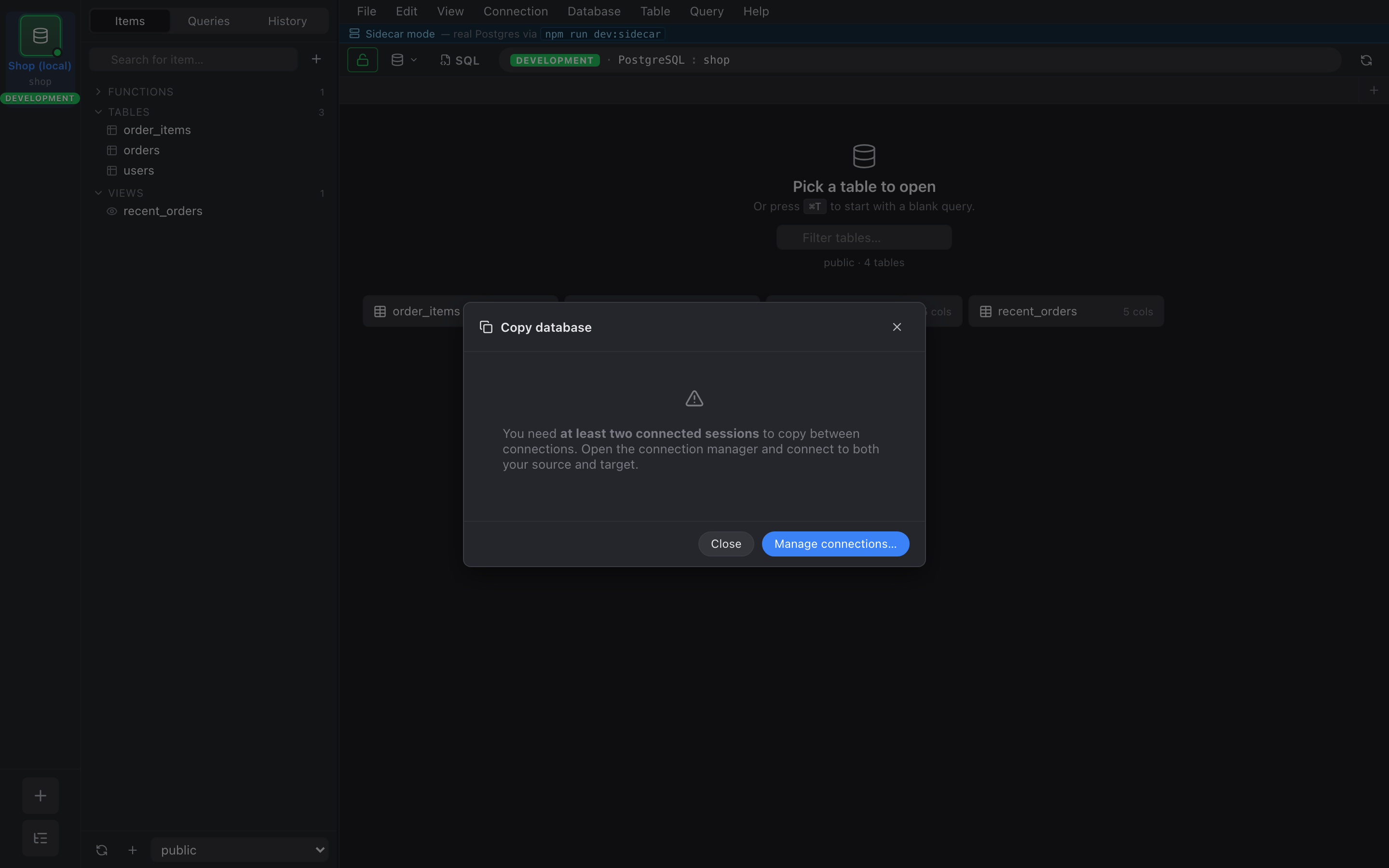
The Copy dialog lives under Database → Copy to Connection… (or Table → Copy to Connection… on a single table). It only operates on currently-connected sessions — you’ll need at least two of them open before the dialog will let you proceed.
What gets copied
Section titled “What gets copied”Pick a Mode at the top:
- Single table — copy one table from
srcSchema.srcTabletotgtSchema.tgtTable. Schemas can differ. - Whole database — pick which schemas to copy, then every table in them goes across.
Then pick What to copy:
- Structure only — CREATE TABLE / CREATE INDEX, no rows.
- Data only — INSERT into existing target tables.
- Structure + data — both.
On conflict
Section titled “On conflict”Same vocabulary as Import:
- Stop on conflict — first PK collision aborts the whole copy.
- Skip on conflict —
ON CONFLICT DO NOTHING. Duplicate rows quietly ignored. - Update on conflict —
ON CONFLICT (pk) DO UPDATE SET …. Treats the source as a merge-style upsert.
When the target table exists and you want to start clean, tick Drop
& recreate instead — that issues DROP TABLE … CASCADE before
re-creating.
How it runs
Section titled “How it runs”- Schemas first —
CREATE SCHEMA IF NOT EXISTSfor every schema the user picked. - Per-table pass — for each table (in topological order so FK
dependencies land first), CREATE TABLE → stream rows → batched
INSERTs (200 rows per statement) → reset any serial / identity
sequence to
MAX(col)so the next insert on the target doesn’t collide. - Second pass — indexes (idempotent
CREATE INDEX IF NOT EXISTS) and ALTER TABLE ADD FOREIGN KEY. FKs land last so cycles don’t block. - Refresh — every session of the target connection gets a fresh
introspect()so the inspector picks up the new tables.
A target that’s an environment: production connection gets a red “Target is PRODUCTION” banner in the dialog footer — a final safety reminder before you run the copy.
Caveats
Section titled “Caveats”- DDL emission assumes target supports the same types. Postgres → Postgres is fine; future MySQL/SQLite targets will need a type translation pass.
- Views, materialized views, functions, and stored procedures are not copied. Tables, indexes, sequences, and foreign keys are. If you need view DDL, use the SQL editor on the source connection and paste into the target.