
Creating objects
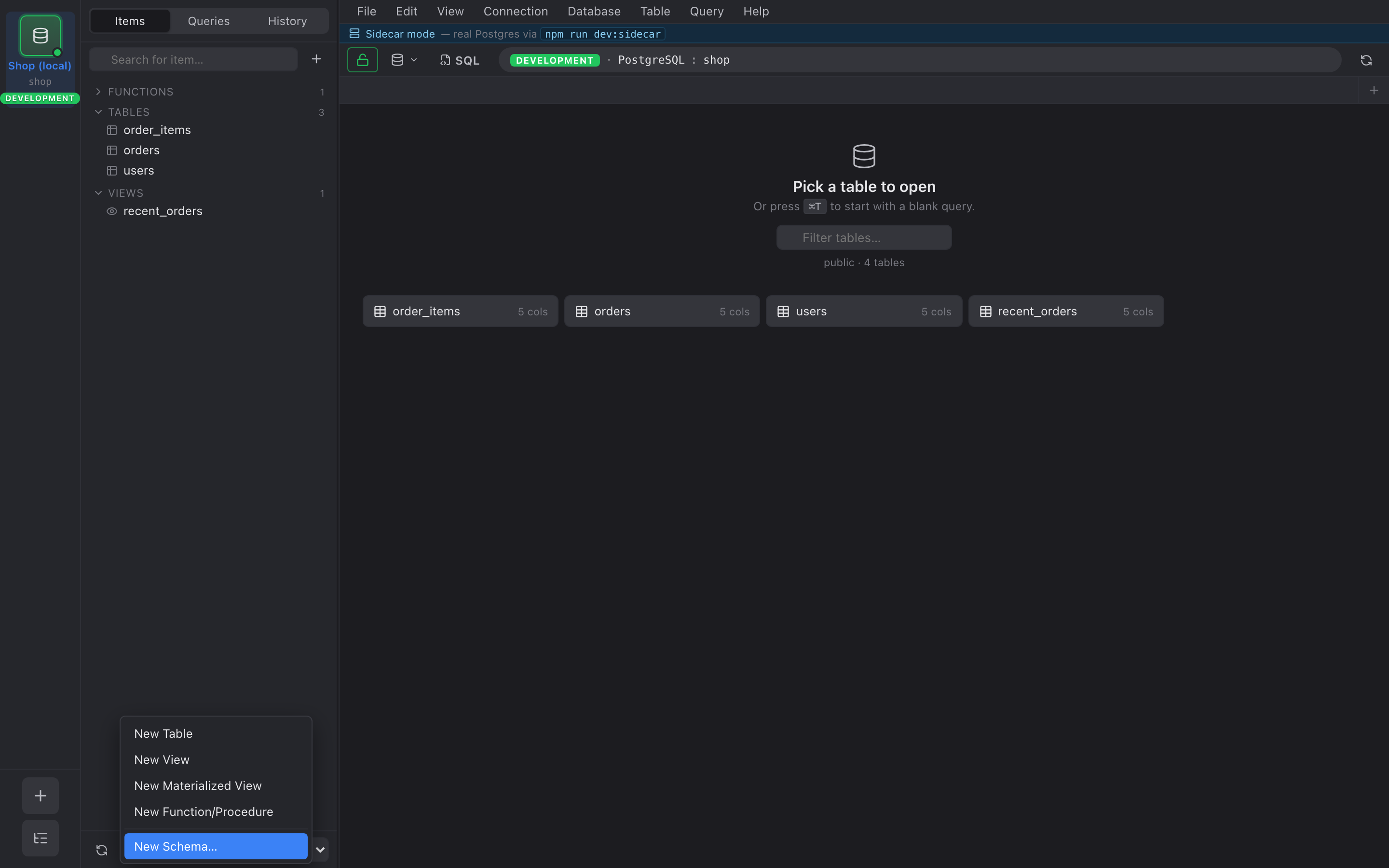
The inspector has a + button next to the schema picker. It opens a dropdown for creating new database objects in the current schema.
What you can create
Section titled “What you can create”- Table — opens a form for column name / type / nullable / default / PK. Add rows with + Column.
- View — name + a SQL editor for the
SELECTbody. - Materialized View — same as View, plus a “Populate now”
checkbox that controls
WITH DATAvsWITH NO DATA. - Function — name, argument list, return type, language
(
sqlorplpgsql), and a body editor. - Schema — single field for the schema name.
SQL preview before applying
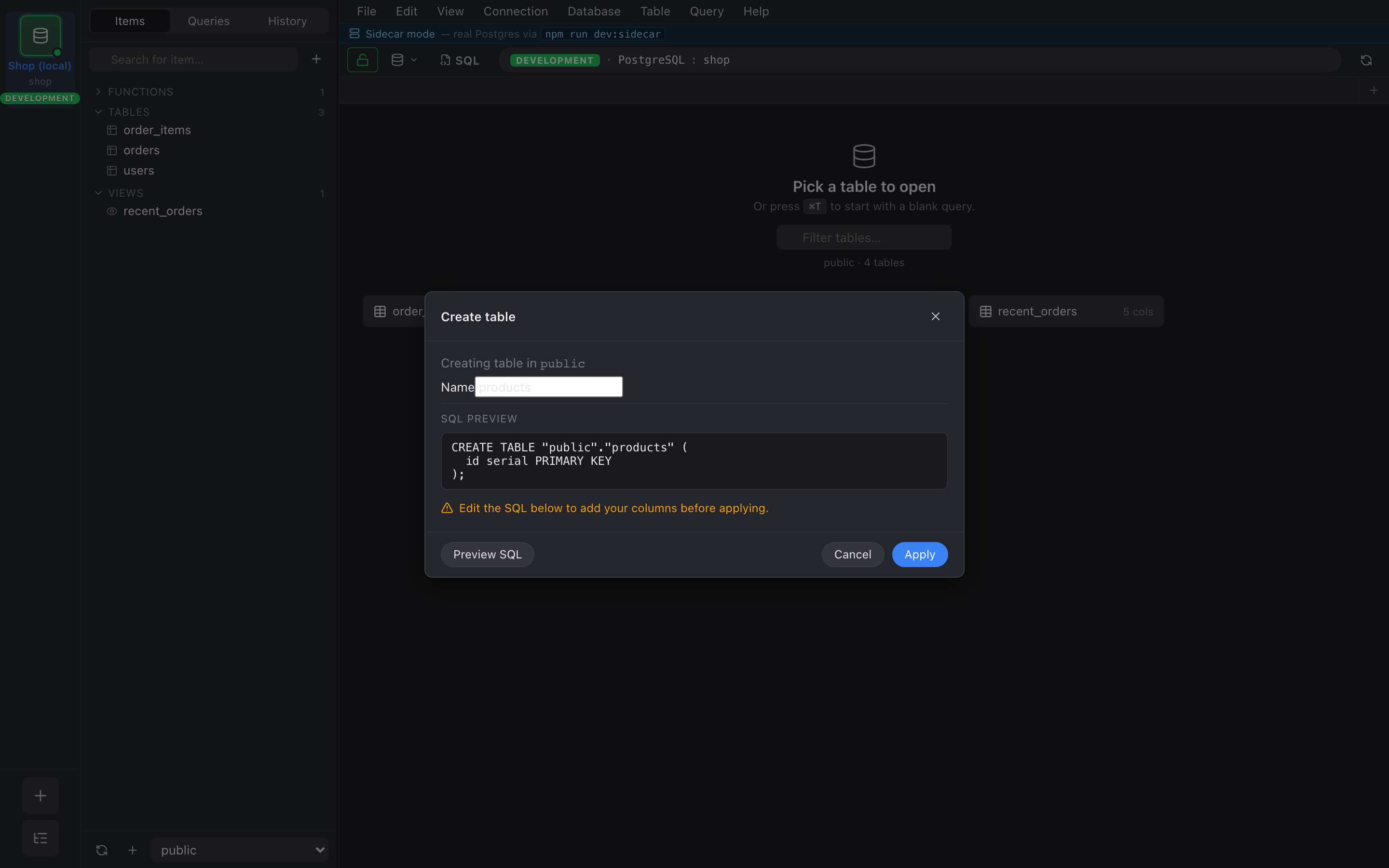
Section titled “SQL preview before applying”Every form has an SQL tab next to the structured editor. It
shows the exact CREATE … statement Nembrix will run. You can
copy it out, paste it into a query tab to tweak, or just hit
Apply to execute.
Apply runs in a single statement — no implicit transaction wrap
because CREATE statements already commit on success. If the
server rejects it, the error surfaces in the dialog and the form
stays open with your input intact.