
Command palette
Hit ⌘P (or ⌘⇧P — both open the same panel) and a search box drops down from the top of the window.
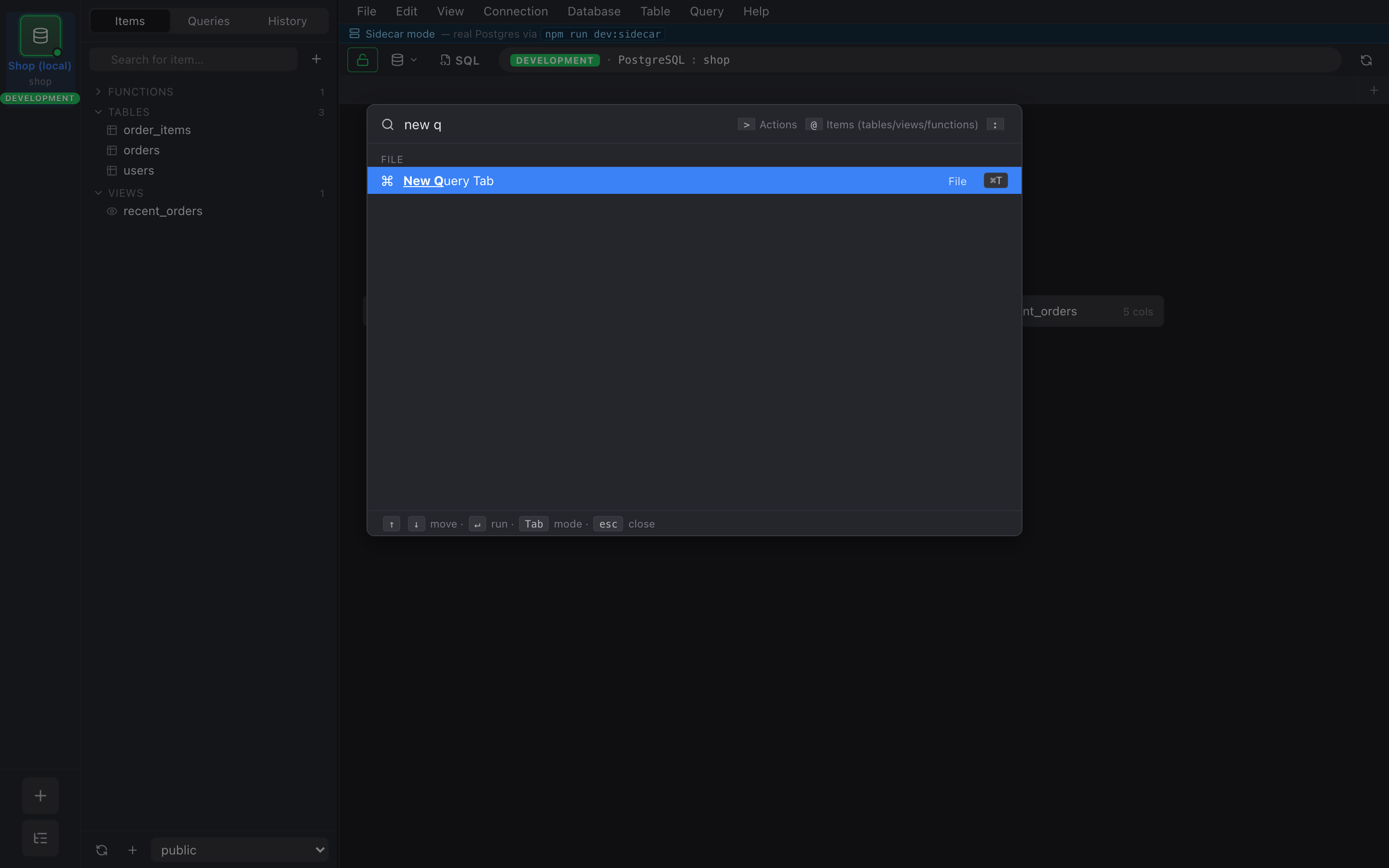
What it searches
Section titled “What it searches”The palette indexes three sources and runs a fuzzy match across all of them simultaneously:
- Menu actions — everything you can reach from a menu or keyboard shortcut. New query tab, Connect, Disconnect, Toggle inspector, Refresh schema, Open preferences, Format SQL, etc.
- Saved queries — every query you’ve named and saved on the active connection.
- Recent SQL — the last 50 queries you’ve executed on the active connection, regardless of whether you saved them.
Each result line shows the source as a small badge on the right: Action, Saved, or Recent.
Scoring
Section titled “Scoring”The matcher is a standard fuzzy scorer: contiguous matches beat scattered ones, prefix matches beat mid-string matches, and a recency bias bumps things you’ve used recently. ↑ / ↓ navigate, ↵ runs the selected entry, Esc dismisses.
What “run” means per result type
Section titled “What “run” means per result type”- Action — invokes it, same as picking it from the menu.
- Saved query — opens it in a new query tab and runs it.
- Recent SQL — opens it in a new query tab but does not auto-run. The thinking is that recent SQL is often something you want to tweak before re-running.