
Groups & recents
Groups
Section titled “Groups”Connections live in groups so you can bucket them by team, environment, project — whatever. Groups are free-form strings on the connection record; you set one in the connection form’s Group field.
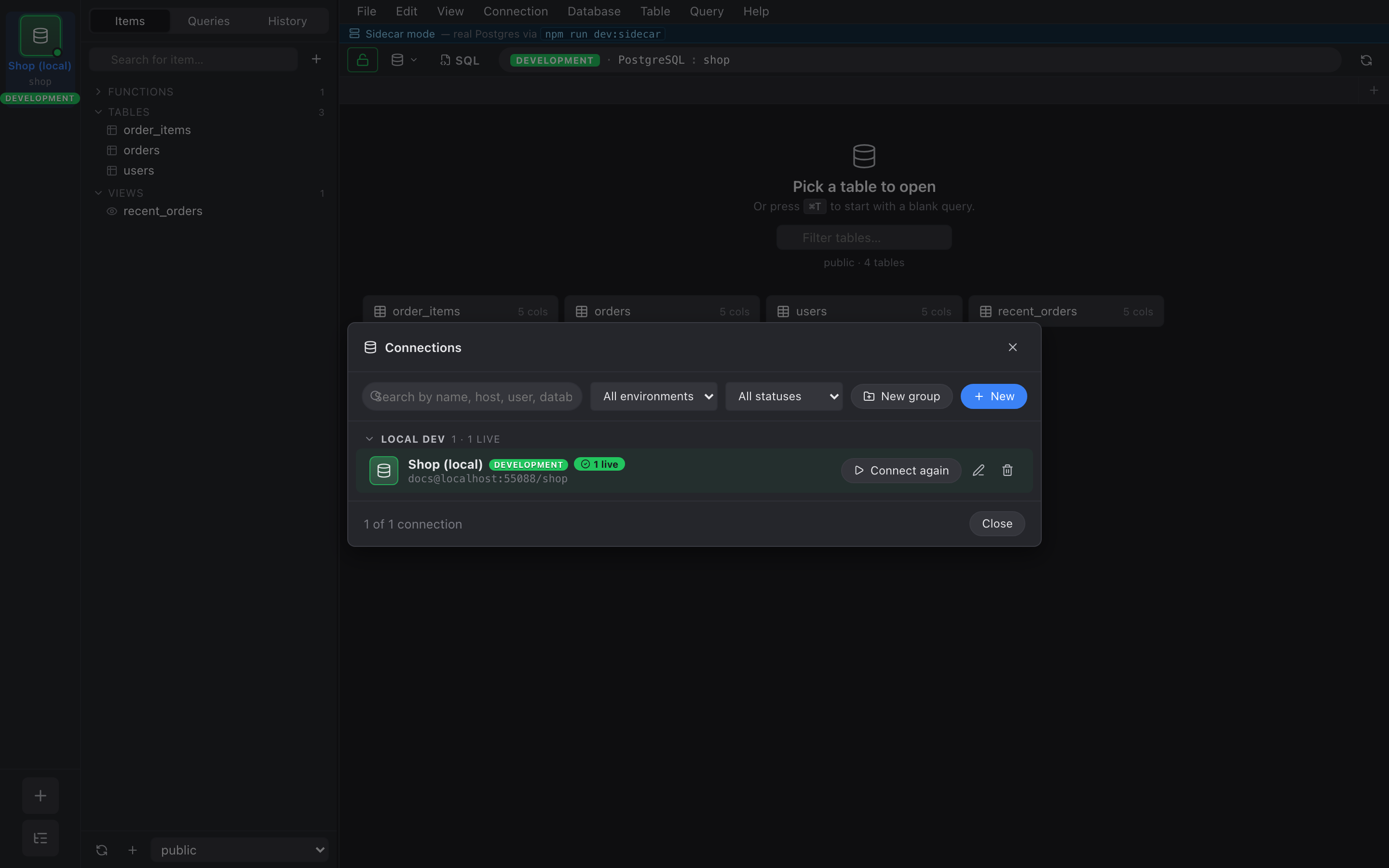
The Connection Manager (⌘⇧L) buckets every saved connection by its group, sorted alphabetically with Ungrouped pinned at the bottom.
Creating an empty group
Section titled “Creating an empty group”Click + New group in the manager’s toolbar to add a named group without any connections in it yet. It shows up as a drop target with a dotted hint line.
Drag to organize
Section titled “Drag to organize”- Drag a connection onto another connection → reorders within the same group.
- Drag a connection onto a group header → moves it to that group.
- Drag onto an empty group’s hint zone → same.
Order within a group is persisted to localStorage; alphabetical by name is the fallback for connections you’ve never moved.
Recent connections
Section titled “Recent connections”The landing pane (when no tab is open) shows the last 10 connections you opened a session for. One click reconnects.
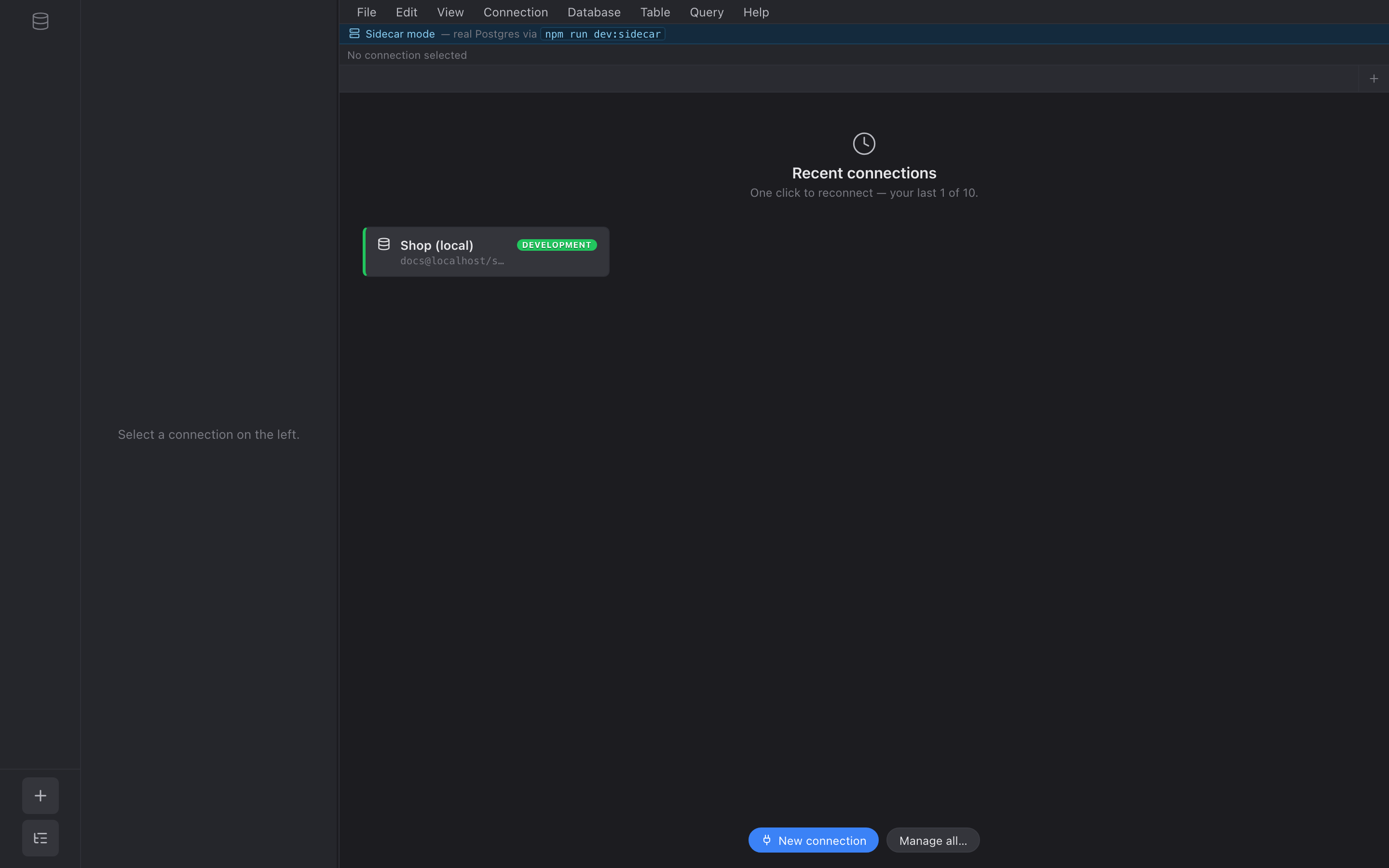
The same list also appears at the top of the Connection menu under a “Recent” subheading.
A connection drops from recents automatically when you delete it from Manage Connections.