
Preferences
Ce contenu n’est pas encore disponible dans votre langue.
Press ⌘, to open the Preferences dialog. It’s a single modal with a left-side section nav.
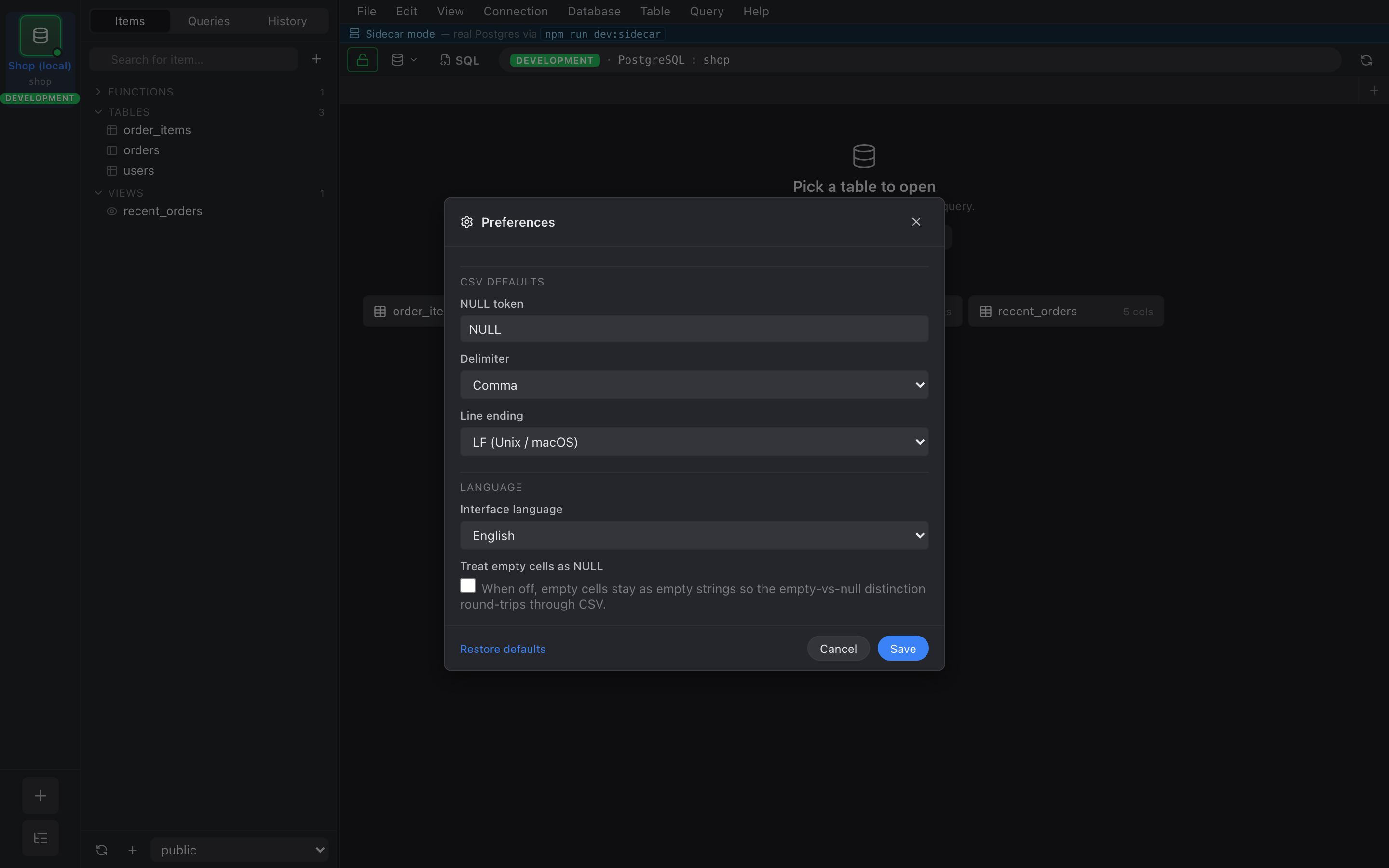
CSV defaults
Section titled “CSV defaults”The first (and currently only) section. These settings are the defaults that the Import and Export dialogs read on open. You can still override any of them per dialog — the preference is just the starting point.
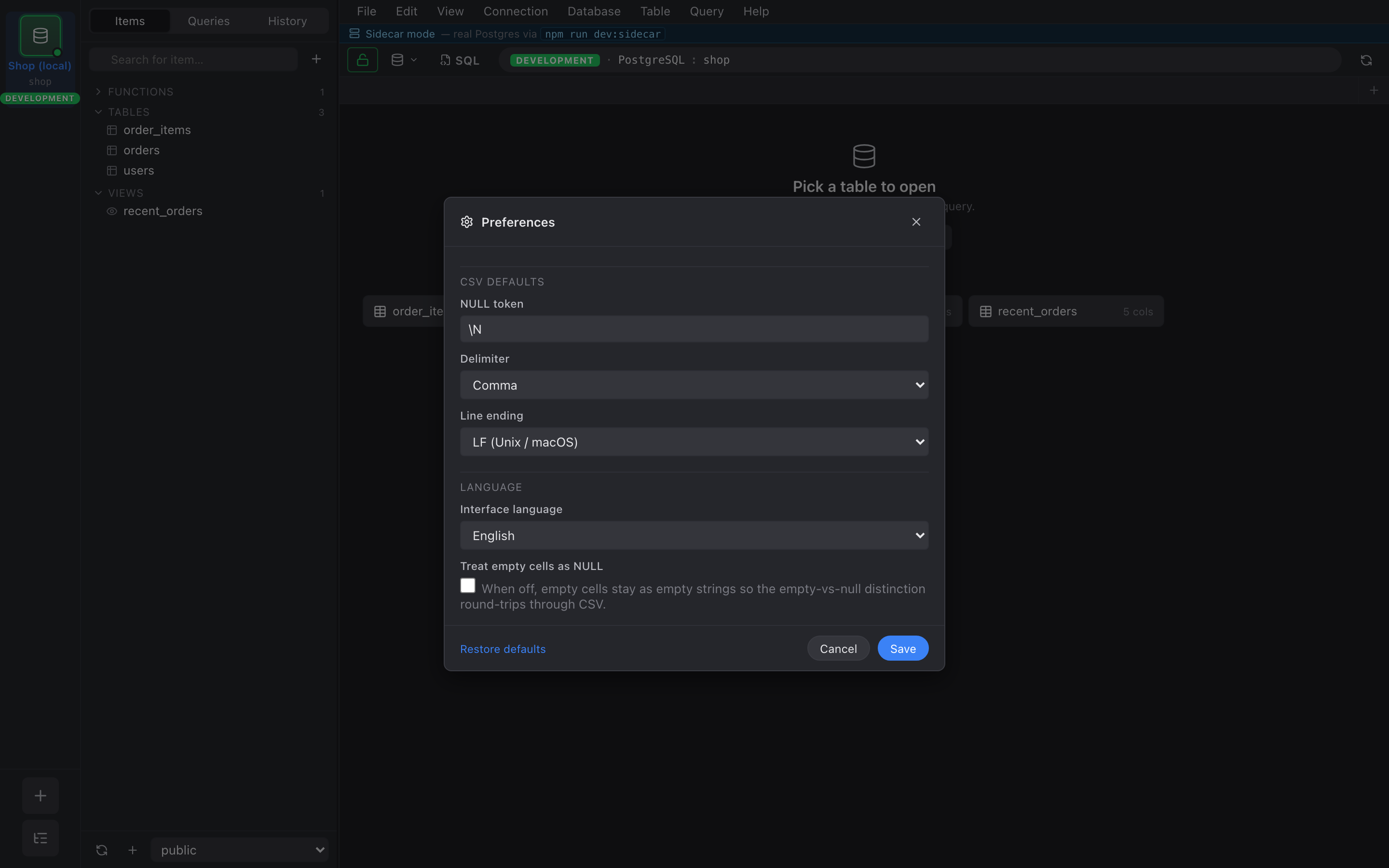
- NULL token — the string written for
NULLon export and read asNULLon import. Default:NULL. - Delimiter — character between fields. Default:
,. Other common picks (;,\t,|) are in the dropdown, plus a free-form input for anything else. - Line ending —
\n(LF) or\r\n(CRLF). Default:\non macOS / Linux,\r\non Windows. - Empty cell = NULL — toggle. When on, an empty CSV field is
interpreted as SQL
NULLon import and written as the NULL token on export. When off, empty stays empty. Default: off.
Persistence
Section titled “Persistence”Every preference is persisted via localStorage under a single namespaced key. Nothing here travels with your saved connections or sessions — it’s a per-browser-profile / per-install setting.
Restore defaults
Section titled “Restore defaults”A Restore defaults button at the bottom of each section resets just that section to its shipped defaults. It doesn’t touch any other section.