
Export
Ce contenu n’est pas encore disponible dans votre langue.
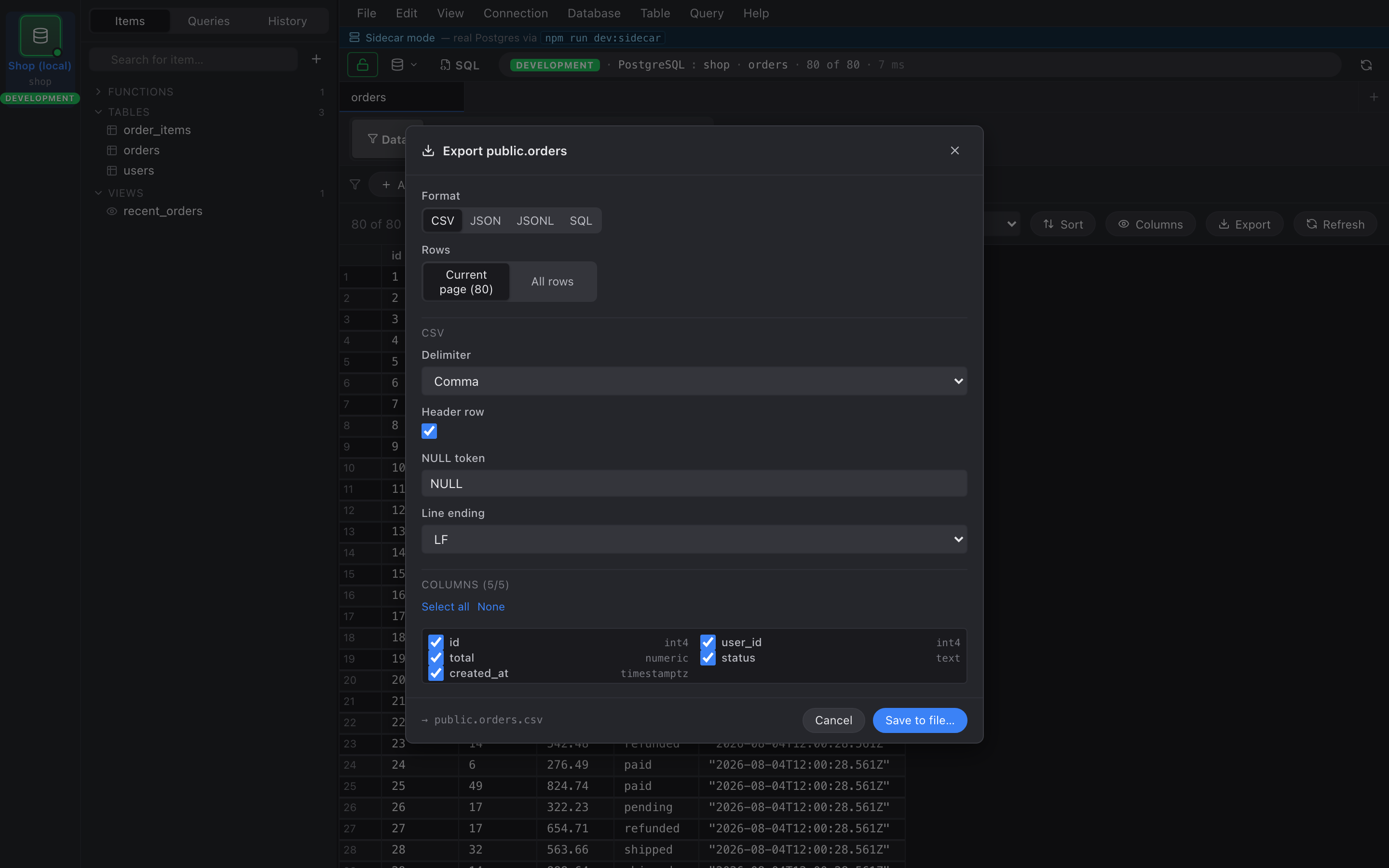
Right-click a grid header or use the toolbar overflow menu → Export… to open the export dialog.
Formats
Section titled “Formats”- CSV — uses the CSV defaults from Preferences (delimiter, line ending, NULL token).
- JSON — array of objects, one row per element. Pretty- printed with 2-space indent.
- JSONL — newline-delimited JSON. One row per line, no array wrapper. Good for piping into other tools.
- SQL —
INSERT INTO …statements against the source table. Only available ontable_datatabs where Nembrix knows the table name.
Scope toggle
Section titled “Scope toggle”A two-button toggle at the top of the dialog: Current page vs
All rows. “Current page” exports just what’s loaded in the
grid; “All rows” re-runs the query without LIMIT and streams
the full result to disk.
Column selection
Section titled “Column selection”Below the format picker is a checkbox list of every column in the result. Uncheck a column to drop it from the export. The list remembers its state across exports within the same session.
Progress and completion
Section titled “Progress and completion”Once you hit Export the dialog swaps to a progress view with a row counter and a progress bar (indeterminate while the query streams, determinate once Nembrix knows the total).
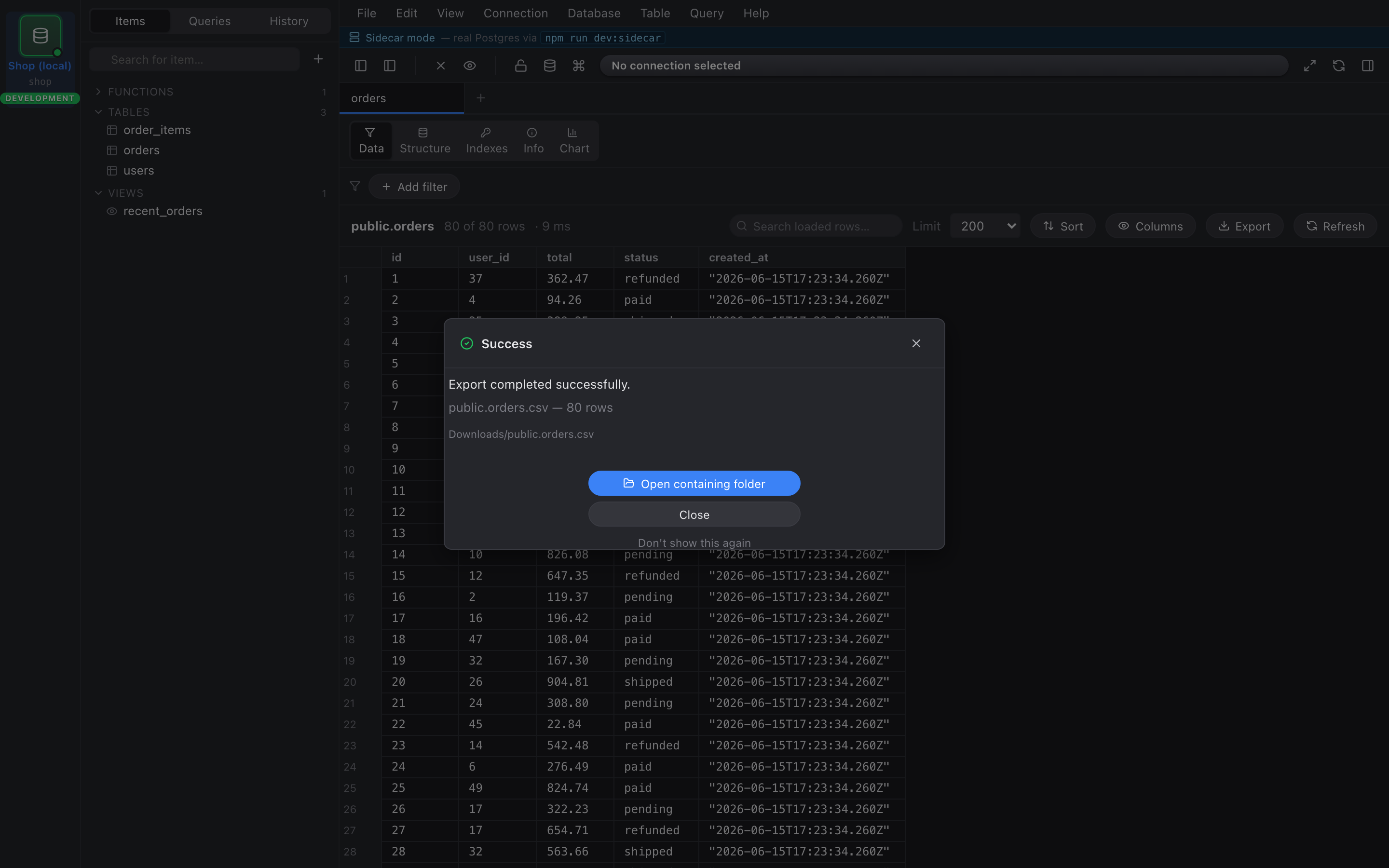
On success a confirmation dialog shows the row count and the output path. In Tauri builds it also includes an Open containing folder button that opens the OS file manager selecting the new file. In browser builds the file just downloads through the browser’s normal download flow.
NULL handling
Section titled “NULL handling”The default NULL token is the literal string NULL. Empty string
values stay empty — they’re not coerced to NULL on the way out.
You can override the token in the Preferences dialog.